

Working very hard on the new app!
With
Voice Navigation,
Offline Maps and
Better User Experience.
Will be looking for Beta Testers soon!
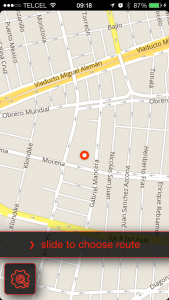
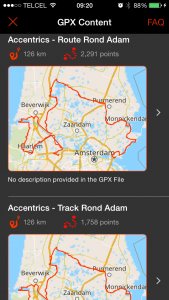
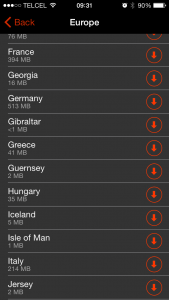
Stay tuned for more on the new App!
Working very hard on the new app!
With
Voice Navigation,
Offline Maps and
Better User Experience.
Will be looking for Beta Testers soon!
Stay tuned for more on the new App!
With a new and improved look & feel, more intuitive user experience and a lot of useful new features like offline maps and more ….
ETA: Spring 2015!
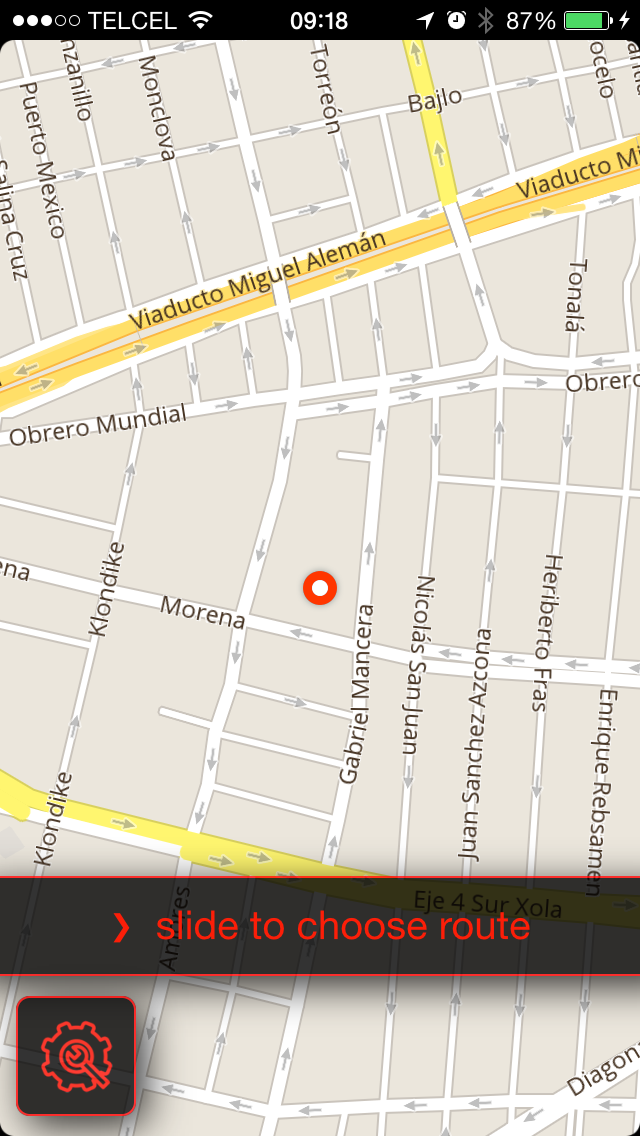
UPDATE: Due to a lot of bugs surfacing in MotoMap I decided I couldn’t leave my current users out in the cold. So I spent quite some time updating MotoMap. This delayed the work on the new App quite a bit though. New expected availability date: Fall 2015.
This is a quick tutorial on how you can find routes in our database to start to navigate them.
**** UPDATE JULY 16, 2015 ****
It’s now much easier to create routes. Read this blog post (incl “how to” video) to see how.
****************************
***** UPDATE July 1st, 2015 *****
As of June 25, 2015 Google blocked the feature enabling track creating from their URL. I found another way of doing this, quite similar to the Google Maps way. Please see here for the video on it.
*********************************
BIG THANK YOU to Rod who posted this as a comment to my other blog article “3 ways to import GPX files into MotoMap” and Sam who also pointed out the importance for Motorcycle Riders to be able to do this.
While MotoMap is a great app (if we may say so ourselves) and offers a lot of Motorcycle Specific functionalities, it’s not perfect YET. We are currently working on a complete overhaul of MotoMap so tell us what you would like to see and we’ll look into adding it!

This article attempts to explain the concepts behind Motorcycle GPS Navigation and explain why it is so difficult for navigation systems and regular navigation apps to guide us along the best motorcycle roads.
 Well, that’s a good question. I’ve been in this “scene” for quite a while and I think I have a pretty good idea on what we want when it comes to Motorcycle GPS Navigation. Having said that, it depends a lot on the situation and the kind of Ride you want to do. In this context you could distinguish 4 (or actually 5) kind of rides: Continue reading
This article will show you how easy it is to import GPX files into MotoMap.
Before we get into the details there is one important thing to know about MotoMap and GPX files. GPX files can contain Routes, Tracks and Waypoints. MotoMap works with Tracks so a GPX that contains only Routes and/or Waypoints will not be imported. If you want to know more about this check out our Navigation Dictionary.
Now…to get into the details. Actually there are 3 ways to import GPX files into MotoMap.
Why use your iPhone as Motorcycle GPS?

These are very prominent advantages. Having said that, you’ll need to consider some things when choosing to use your Phone as Motorcycle Navigation. You can go the cheap way and put the phone in your pocket, but if you want to mount your device there are some more things to consider.
UPDATE Aug 2, 2016
My new app Scenic was released in the App Store just last week. It has full turn-by-turn and voice guidance, you can make any GPX navigable, create your own routes and track and documents your rides. Feedback of users has been awesome so far. Give it a try if you want. It’s free to download. https://itunes.apple.com/app/id1089668246 and here is a video of the app in action: https://youtu.be/rKavcXRm4P0
END UPDATE
In this article we review the most popular, well known and, arguably, best GPS motorcycle navigation apps for usability with motorcycle riding. We focuss on useful features for motorcycle riders like scenic route planning and track importing.
UPDATE Feb 25, 2017
For a review of motorcycle specific apps for iPhone check out Best Motorcycle Navigation Apps for navigation and Tracking on iPhone – 2017 edition
END UPDATE
To be as unbiased as possible we did not include our own app Scenic in this comparison. We’ll leave it up to you to decide on that one.
Most of these apps require you to see the screen, while others you can use in your pocket. If you need (or want) to see the screen you’ll probably need a weatherproof case and mount. I’ve always been very happy with my lifeproof cases and mounts, but there are other options out there.
The apps reviewed are